Losing power during a coastal Alabama storm means losing your eyes on the property right when you need them most - here's how to keep security cameras and alarm systems running through the outage.
- Battery backup (UPS) keeps cameras running 2-4 hours; a standby generator keeps them running for days.
- Wire security panels and NVRs to a dedicated circuit on your transfer switch before hurricane season 2026 hits.
- A 7kW to 12kW standby generator covers cameras, a router, and a security panel with room to spare.
- Skip battery-only setups for whole-property coverage - they fail during multi-day outages common after Gulf Coast storms.
Why this matters
Baldwin County sees extended outages every hurricane season, and a dead camera system is a blind spot exactly when break-ins spike. Coastal Alabama utilities report longer restoration windows after named storms hit Mobile Bay, sometimes stretching past 72 hours. A security system that goes dark with the grid isn't protecting anything - it's just decoration until the power comes back.
The fix isn't complicated, but it does require planning ahead of the storm, not during it. Cameras, NVRs, alarm panels, and the router that ties them together all need a power path that doesn't depend on the utility line staying up.
What you'll need
- A battery backup (UPS) unit rated for your NVR, router, and modem
- A whole-home or dedicated-circuit standby generator (7kW minimum for security-only loads)
- An automatic transfer switch wired to include the security panel circuit
- A licensed electrician to confirm circuit mapping before storm season
- Surge protection on the camera system and router
- A charged mobile app login for remote camera viewing once power is restored
The steps
1. Map every device that needs power
Walk your property and list every camera, the NVR or DVR recording them, the alarm panel, and the router or modem that carries the signal to your phone. Missing one device - usually the outdoor Wi-Fi extender - is the most common reason a "working" backup system still leaves a blind spot. Write the wattage of each device down; most standalone cameras draw under 10 watts, but an NVR with 8 to 16 channels can pull 60 to 150 watts continuously.
Common mistake: People back up the cameras but forget the router. No internet means no remote viewing and no alerts, even if the camera itself is recording locally.
2. Add a battery backup for the first few hours
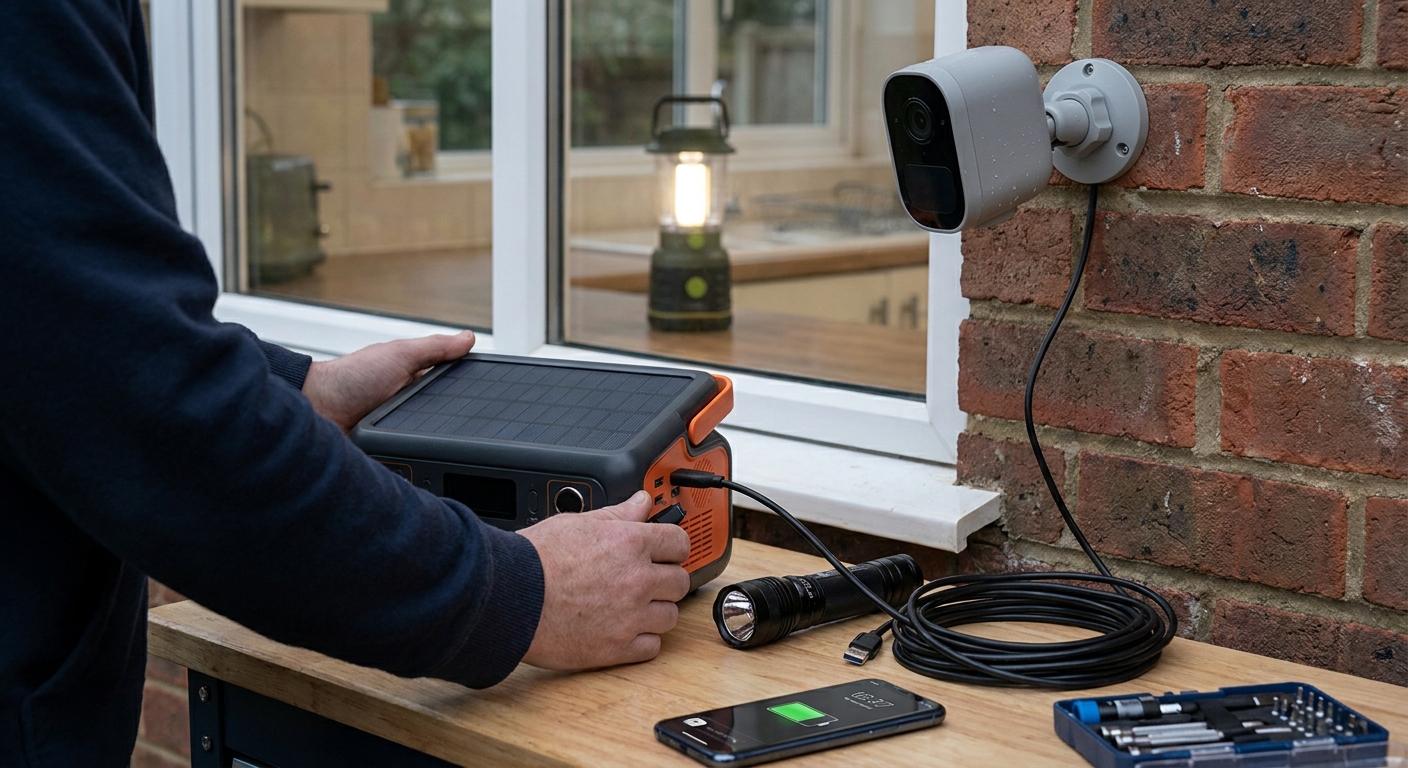
A UPS (uninterruptible power supply) rated 600VA or higher covers most residential NVR-and-router setups for 2 to 4 hours during a brief outage. This buys you the gap between the grid dropping and a standby generator kicking on, and it protects equipment from the power surge that hits when utility power snaps back on.
Plug the NVR, router, and modem into the UPS - not the cameras themselves if they're hardwired to the NVR, since the NVR carries their power over the same cable in most PoE (Power over Ethernet) setups.
3. Size a standby generator for security plus essentials
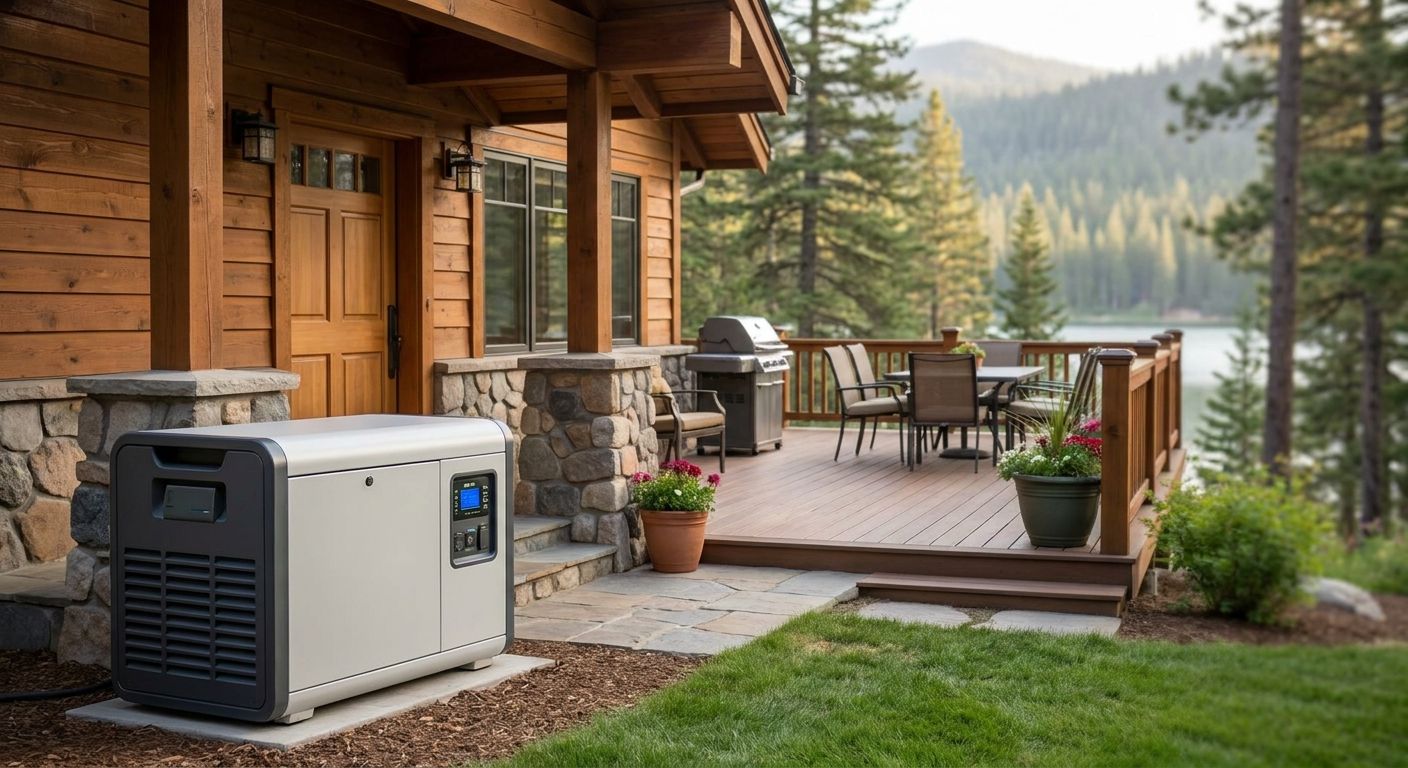
A 7kW generator covers a security panel, NVR, router, modem, and a couple of lights - enough to keep the property monitored through a multi-day outage. Most Baldwin County homeowners pair security coverage with a 12kW to 22kW whole-home unit that also runs the refrigerator, well pump, and HVAC, since running security in isolation rarely justifies a standalone unit once you're already investing in backup power.
Expected outcome: cameras, recording, and remote alerts stay live indefinitely as long as the generator has fuel or a natural gas hookup.
4. Wire the security circuit into the transfer switch
An automatic transfer switch detects the outage and switches the home from utility power to generator power in seconds, without you touching a breaker. The security panel and camera NVR need to be on a circuit that's included in that switch - not on a circuit that gets dropped to keep total load under the generator's rated capacity.
This is the step homeowners skip most often, then discover during the actual outage that their cameras went dark along with everything else. Confirm with your installer, in writing, which circuits are covered.
5. Test the full failover before hurricane season 2026
Schedule a test where the generator runs and the utility feed is cut, then confirm on your phone app that cameras are still streaming and the alarm panel shows a status light. Do this in May or early June, well before storms start tracking toward the Gulf, not during a hurricane watch.
Common mistake: testing the generator alone without confirming the camera app actually reconnects. A generator that runs fine can still leave you with a router that never re-establishes the Wi-Fi handshake.
6. Set up cellular backup for internet
If your camera system depends on home Wi-Fi and the outage also takes down local cell towers or fiber lines, a cellular-connected security panel with its own SIM card keeps monitoring signals moving even when your home internet is down. Many alarm monitoring companies offer this as an add-on; ask specifically whether it's included or extra.
7. Plan fuel or gas supply for extended runs
Propane and natural gas generators run as long as the tank or gas line supplies fuel, which matters when outages stretch past three days, a pattern seen with several Gulf Coast storms in recent seasons. Diesel and gasoline units need a refueling plan - know where you'll get fuel when gas stations themselves may be without power to run their pumps.
Get a storm-ready generator quote
Size a standby generator for your security system and whole home before hurricane season 2026.
Troubleshooting
- Cameras record but the app won't connect remotely. Check that the router and modem are on the same backup circuit as the NVR - a router without power kills remote access even if recording continues locally.
- UPS beeps and shuts off within 30 minutes. The unit is undersized for the load or the battery is past its 3-to-5-year service life; replace the battery or step up to a higher VA rating.
- Generator runs but the security panel shows a fault code. The transfer switch may not include that circuit, or a breaker tripped during the switchover surge; have an electrician check the panel wiring.
- Cellular backup shows no signal during the storm. Local towers can go down too during major hurricanes; this is rare but confirm your monitoring company's contingency before relying on cellular alone.
- PoE cameras go dark even though the NVR has power. A damaged PoE injector or switch between the NVR and camera is a common point of failure; keep a spare injector on hand during storm season.
Tools and resources
- UPS battery backup unit (600VA minimum for router/NVR combo)
- Standby generator sized 7kW to 22kW depending on total home load
- Automatic transfer switch with security circuit included
- Surge protector rated for the camera system's voltage
- A licensed electrical contractor to verify wiring before storm season
Baldwin County Generators works with homeowners across Daphne, Fairhope, Foley, and Gulf Shores to map security and essential loads onto a properly sized standby generator before the first named storm of 2026 season. Getting the transfer switch wiring right the first time avoids a mid-storm surprise when it matters most.
What to do next
Once the security system is covered, look at the rest of the home's critical loads - refrigeration, well pump, HVAC, and medical equipment all compete for the same generator capacity. A whole-home standby generator sized correctly the first time means you're not choosing between cameras and air conditioning when the power drops in August.
FAQ
How to power security cameras during an outage?
A battery backup (UPS) covers cameras and the NVR for 2 to 4 hours, and a standby generator wired into the transfer switch keeps them running indefinitely. Coastal Alabama outages often run past 72 hours, which makes generator backup the more reliable option for anything longer than a short outage.
What size generator do I need to run security cameras?
A 7kW generator covers a security panel, NVR, router, and modem with capacity to spare. Most homeowners pair that load with a 12kW to 22kW whole-home unit that also covers refrigeration and HVAC.
Do battery backups keep cameras running during a hurricane?
A UPS keeps cameras running for 2 to 4 hours, which covers short outages but not multi-day storm outages. For hurricane season 2026, a standby generator is the only setup that keeps cameras live for the full outage window.
Will my alarm system still work if the power goes out?
Most alarm panels have a small internal battery that lasts 24 hours, but cameras and NVRs typically don't share that battery. Wiring the full security circuit into a transfer switch and generator keeps every component running together.
Do PoE security cameras need a separate power source?
No, PoE (Power over Ethernet) cameras draw power through the same cable as the network connection, from the NVR. Backing up the NVR's power source backs up the cameras automatically.
Can I run security cameras on a portable generator?
Yes, but a portable generator requires manual startup and fuel refills, which means a gap in coverage if you're not home when the power drops. A standby generator with an automatic transfer switch closes that gap.
What happens to security cameras when cell towers go down too?
If your system relies on cellular backup for internet and towers are down, remote viewing and alerts stop even though local recording may continue. This is uncommon but worth asking your monitoring provider about directly.
How long can a security system run on generator power?
As long as fuel or gas supply lasts. Propane and natural gas standby generators can run for days without refueling, which matters most during extended Gulf Coast storm outages.
One last thing
The detail that catches most homeowners off guard isn't the generator size - it's the router. A camera system with full battery and generator backup still goes blind the moment the home Wi-Fi drops, because remote viewing depends on internet, not just electricity. Confirm the modem and router sit on the same protected circuit as the NVR before storm season 2026, not after the first outage proves the gap exists.