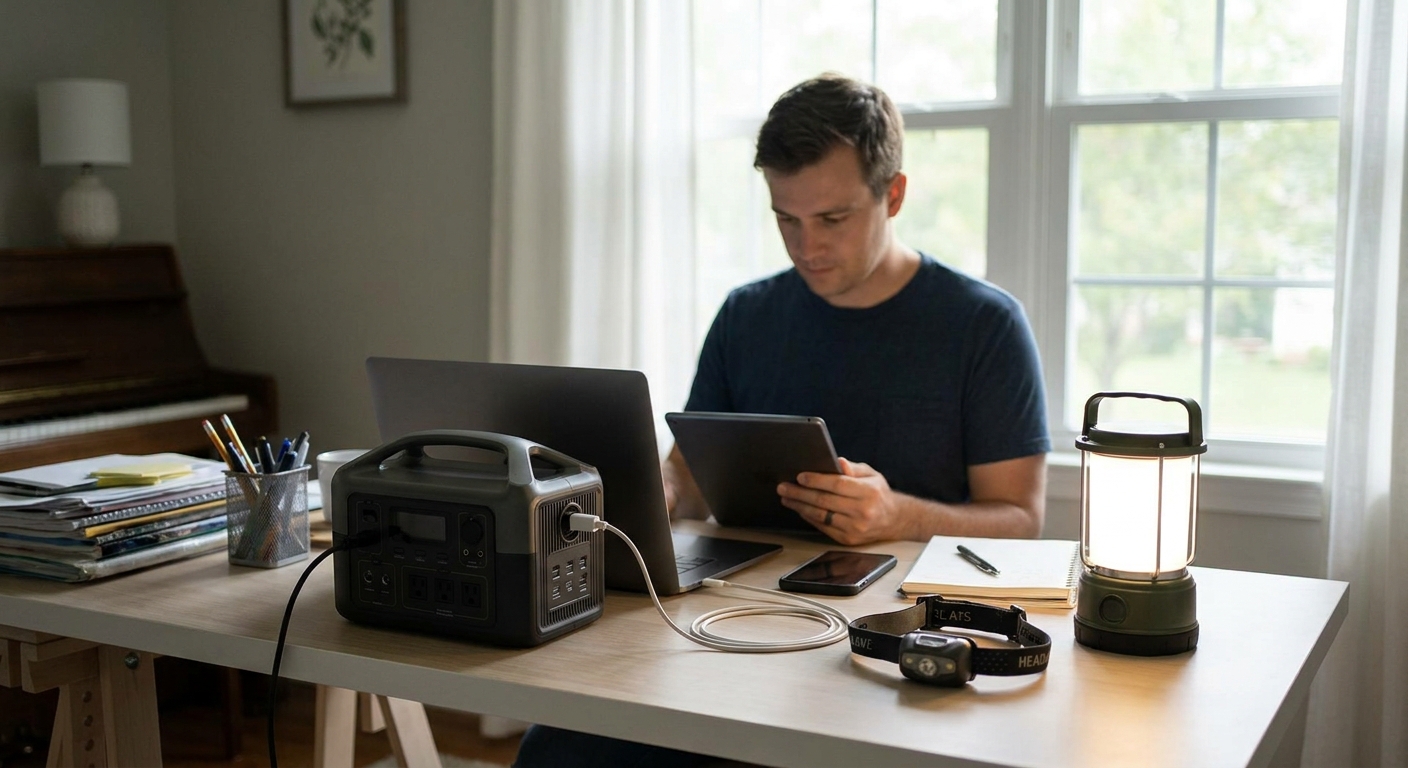
A home office running on battery banks and a gas can survives a two-hour blip, not a five-day outage after a Category 2 storm rolls through Fairhope or Gulf Shores. Here's the step-by-step way to keep your desk, router, and monitors running through an extended power outage in coastal Alabama.
- A whole-home standby generator (22-26kW) keeps a home office running indefinitely; battery banks last 4-8 hours at best.
- Home office loads run 800-1,500 watts continuous, well within a 22kW Kohler or Generac unit's capacity.
- Automatic transfer switches restart your office in 10-20 seconds after grid loss, versus manual restarts that lose unsaved work.
- Baldwin County Generators sizes and installs standby systems built for hurricane-season outages, not weekend camping trips.
Why this matters
Gulf Coast outages after a named storm routinely stretch past 72 hours, and 2026 hurricane season forecasts already point to an active Atlantic. A remote worker in Daphne or Foley who loses power for four days doesn't just lose comfort - they lose billable hours, client calls, and in some cases the job itself if deadlines slip twice in one season.
Most home offices fail during outages for one of two reasons: undersized backup power, or backup power that takes too long to kick in. A UPS battery keeps your monitor alive for the walk to the breaker panel, not for a workday. Solving this requires matching your actual wattage draw to equipment that switches over automatically and runs as long as fuel or grid restoration allows.
What you'll need
- A wattage inventory of your office equipment (desktop, monitors, router, modem, desk lamp, space heater if applicable)
- A dedicated circuit or subpanel for office equipment, ideally separate from kitchen and HVAC loads
- Backup power sized to at least 1.5x your continuous office draw
- A transfer switch - manual at minimum, automatic for unattended restarts
- Surge protection between the generator circuit and your equipment
- A fuel plan: propane, natural gas, or diesel depending on your system
1. Add up your actual wattage
A typical desktop pulls 200-400 watts under load, two monitors add another 60-100 watts combined, and a cable modem plus router runs 20-40 watts. Add a desk lamp and a small space heater in winter and you're at 800-1,500 watts continuous for most home offices.
This number determines whether you need a 3,500-watt portable unit or a full standby system. Undersizing here is the single most common mistake - buyers guess low, then trip breakers the first time the AC kicks on alongside the office load.
Common mistake: using nameplate wattage instead of running wattage. A desktop's power supply may say 650W, but actual draw under normal use is far lower - measure with a plug-in meter if you're unsure.
2. Separate office circuits from high-draw appliances
Run your office equipment on its own circuit, isolated from the refrigerator, well pump, or window AC unit. This keeps a single generator or backup source from being overwhelmed when multiple appliances start at once.
A licensed electrician can add a dedicated circuit for under a day's labor in most cases. Expected outcome: your office stays powered even if a larger appliance trips a breaker elsewhere in the house.
3. Choose a transfer switch, not an extension cord
Running extension cords from a portable generator through a window is a fire risk and a code violation in most Alabama municipalities. A transfer switch isolates your home's wiring from the grid before backup power engages, protecting utility linemen and your equipment from backfeed.
A manual transfer switch costs less but requires you to flip it during an outage - fine if you're home, risky if you're mid-call when the grid drops. An automatic transfer switch senses outage and switches in 10-20 seconds, which matters when a client is waiting on a video call.
4. Size the generator to the whole panel, not just the office
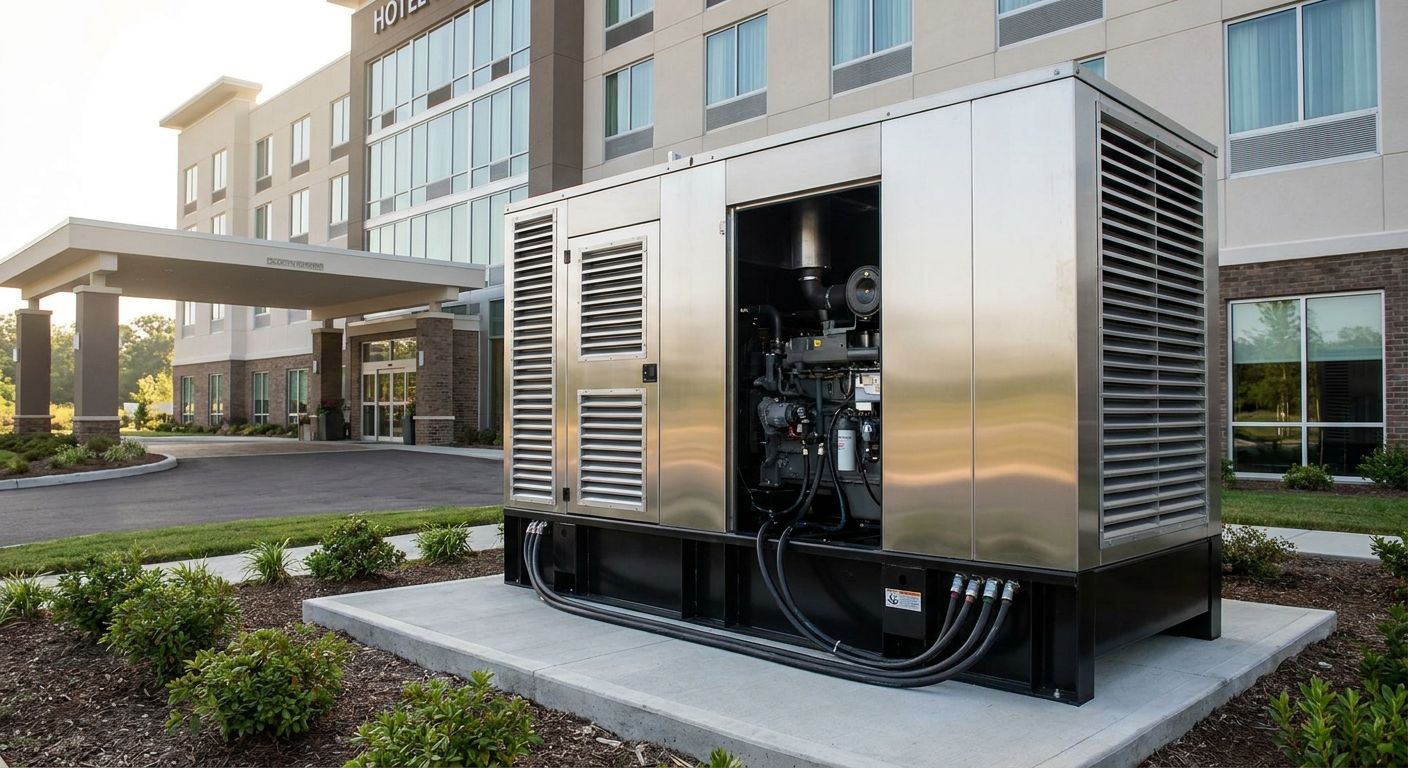
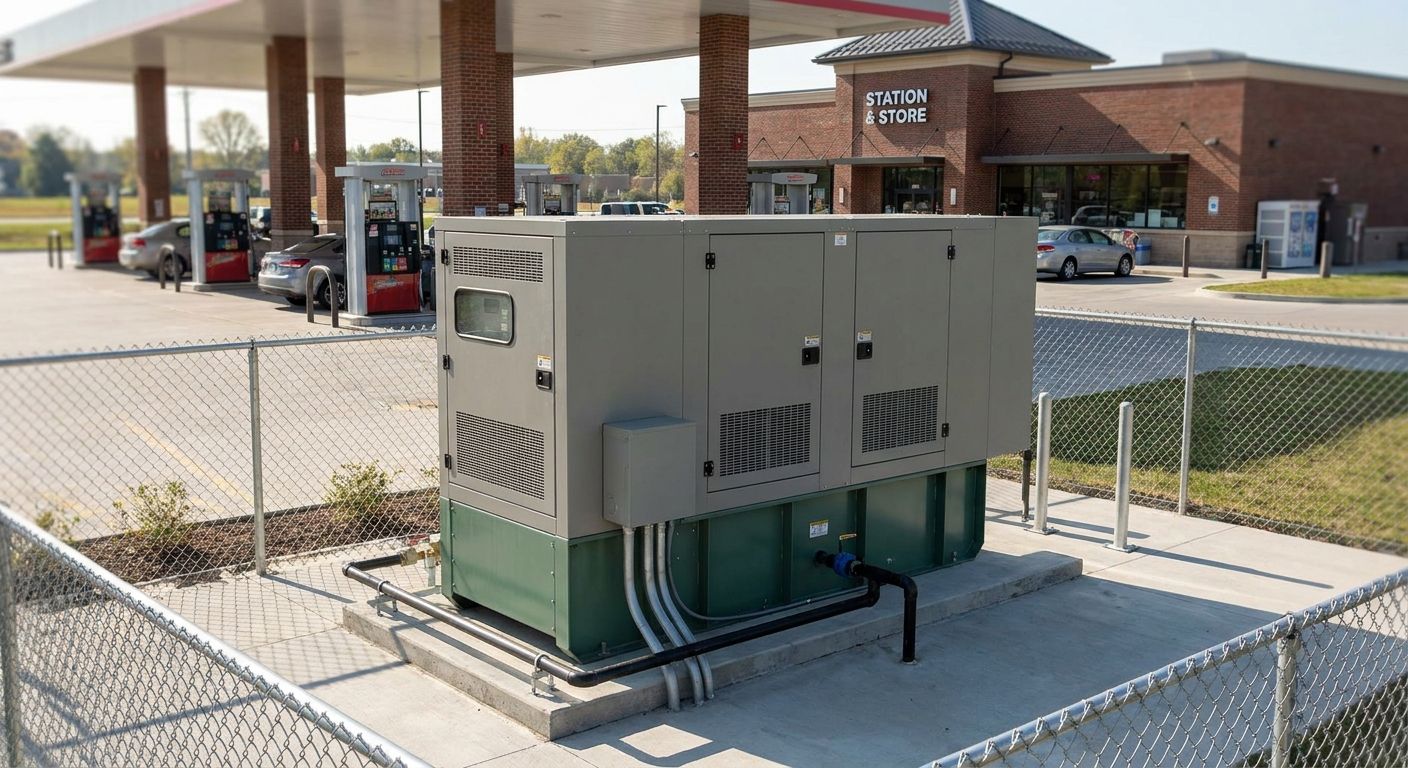
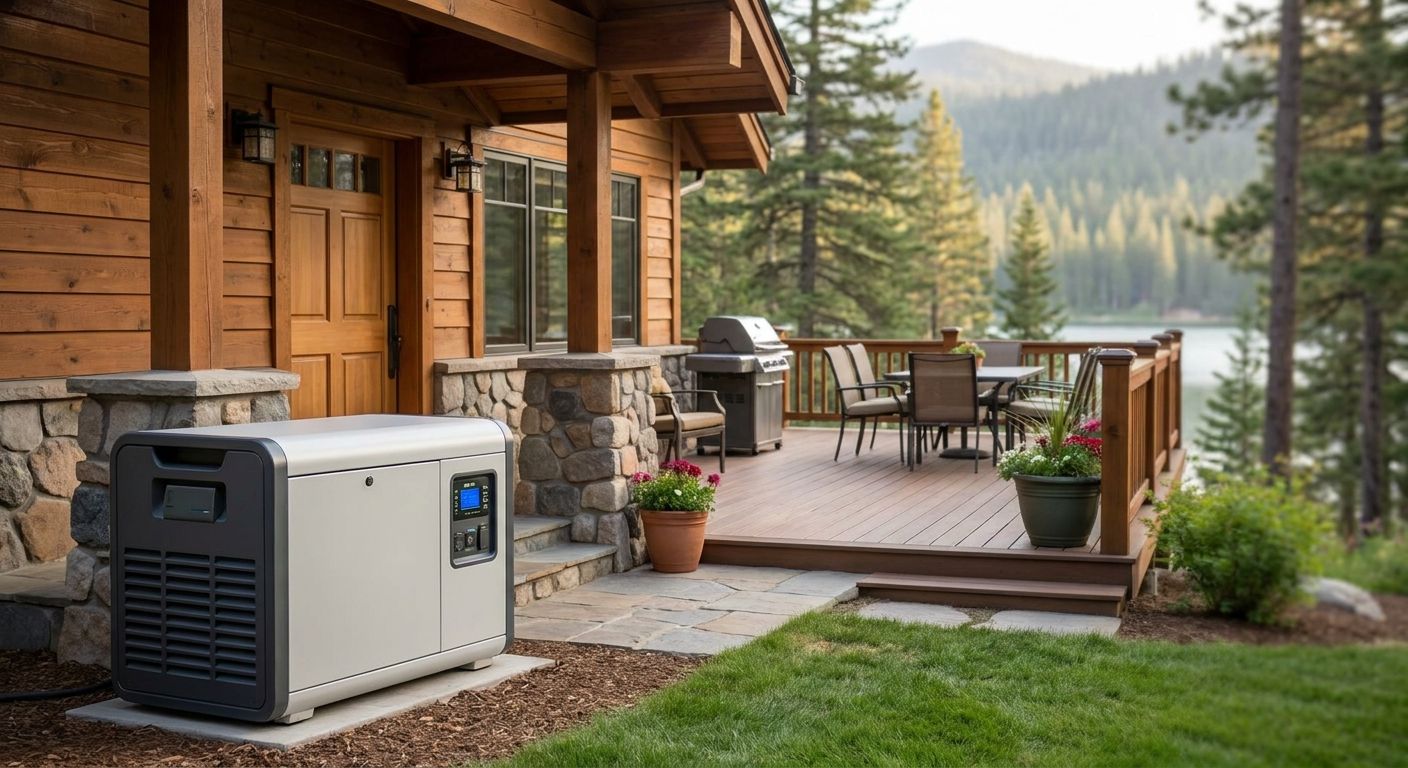
A portable generator in the 3,500-7,500 watt range covers a laptop, router, and a few lights, but stalls the moment the well pump or AC compressor kicks on. A whole-home standby unit in the 22-26kW range, like the Kohler and Generac systems installed across Daphne, Fairhope, Foley, and Gulf Shores, runs your office alongside HVAC, refrigeration, and lighting without load-shedding.
Common mistake: buying a portable unit because it's cheaper upfront, then discovering it can't carry the office plus the rest of the house during a multi-day outage. Baldwin County Generators sizes systems against your full electrical panel, not just the circuit you care about most.
5. Set up fuel for the long haul
Propane and natural gas standby units draw from a fixed line, so they run as long as supply holds - which for natural gas means indefinitely in most coastal Alabama service areas. Diesel and gasoline portables need refueling every 8-12 hours under load, which is unmanageable during a five-day outage.
If you're on a portable unit, stock enough fuel for at least 72 hours before hurricane season starts, since gas stations run dry fast once evacuation traffic and storm prep begin.
6. Test the whole system before you need it
Run a full load test - office equipment, HVAC, and refrigerator simultaneously - before storm season, not during it. Standby systems installed by a licensed electrical contractor typically include a weekly self-test cycle, but that only confirms the engine starts, not that your panel handles full load.
Expected outcome: you know exactly how long your desk stays lit and your internet stays up before the storm ever forms in the Gulf.
7. Protect equipment from the switch itself
Even a clean automatic transfer switch introduces a brief power gap. Add a surge protector or small UPS between the wall and your desktop to bridge that gap and protect against voltage spikes when the generator engages or the grid comes back.
This is a $30-50 add-on that prevents a $1,200 monitor or desktop from taking damage during the switch cycle - cheap insurance relative to the equipment it protects.
Troubleshooting
- Generator runs but office has no power - check the dedicated circuit breaker didn't trip separately; office circuits sometimes sit on a different sub-panel than the transfer switch expects.
- Internet drops even though power is on - your modem and router need to be on the backup circuit too, not just the desktop; ISPs' own equipment in the neighborhood may also be down regardless of your setup.
- Automatic transfer switch won't engage - battery in the switch's control module may be dead; these need replacement every 3-5 years even if the switch is never used.
- Generator starts but shuts off under load - usually undersized capacity; recheck your wattage inventory against the unit's running watts, not its surge rating.
- Fuel runs out mid-outage on a portable unit - this is the exact scenario a whole-home standby system on natural gas or a large propane tank eliminates.
- Voltage seems unstable, equipment flickers - have a licensed electrician check the transfer switch and grounding; don't run sensitive electronics on an unstable circuit for days at a time.
Get your office storm-ready before season peaks
Free quote on sizing a standby system for your home office and full panel.
Tools and resources
- Plug-in wattage meter to confirm actual office equipment draw
- Licensed electrician for dedicated circuit installation
- Automatic or manual transfer switch rated for your panel size
- Whole-home standby generator sized to 22-26kW for most coastal Alabama homes
- Baldwin County Generators for sizing, installation, and maintenance across Daphne, Fairhope, Foley, and Gulf Shores
What to do next
Walk your panel with a licensed electrician before hurricane season 2026 peaks, not after the first named storm forms in the Gulf. A load calculation now costs a fraction of losing four days of billable work later.
FAQ
What size generator do I need to run a home office during a power outage?
A home office alone draws 800-1,500 watts, but a 22-26kW whole-home standby unit is recommended so the office runs alongside HVAC and refrigeration without load-shedding during an extended outage.
How long can a battery backup keep a home office running?
A standard UPS battery backup keeps office equipment running for 15 minutes to 2 hours depending on load, enough to save work and shut down safely but not to survive a multi-day outage.
Is a portable generator enough for a home office during a hurricane outage?
A portable generator in the 3,500-7,500 watt range can power office equipment short-term but requires refueling every 8-12 hours and can't carry HVAC and refrigerator loads simultaneously, making it unreliable for outages lasting several days.
How fast does an automatic transfer switch restore power to a home office?
An automatic transfer switch detects grid loss and restores power in 10-20 seconds, fast enough to avoid dropped video calls and unsaved work compared to manually starting a portable generator.
Can natural gas standby generators run indefinitely during an outage?
Yes, natural gas standby generators draw from the utility gas line and run as long as that supply holds, which in most coastal Alabama service areas means indefinitely through even week-long outages.
Should home office circuits be separate from kitchen and HVAC circuits?
Yes, a dedicated circuit for office equipment prevents higher-draw appliances like the refrigerator or AC compressor from tripping breakers and cutting power to your desk during an outage.
How often should I test my home standby generator before hurricane season?
Test under full load, including HVAC and office equipment together, at least once before hurricane season starts each year in 2026, since a weekly self-test only confirms the engine starts, not full-panel capacity.
What's the biggest mistake people make sizing backup power for a home office?
Undersizing based on nameplate wattage instead of actual running wattage is the most common mistake, leading to tripped breakers the moment HVAC or refrigeration loads run alongside office equipment.
One last thing
The outage that actually costs remote workers money isn't the two-hour blip - it's the day-four stretch when the neighborhood is still dark, the ISP's local equipment is still down, and a battery bank died on day one. Sizing for that scenario, not the easy one, is what separates a home office that survives hurricane season from one that goes dark with everyone else's.